 PBXDom
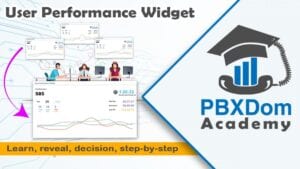
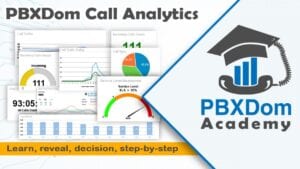
The videos on this page are short recordings of PBXDom doing its job, captured from the actual product rather than slides. The overview demo explains what call analytics is in practice: PBXDom collects the call records your PBX already produces and turns them into live dashboards and reports, without changing how your phone system works. The other demos zoom in on specific features — the User Performance Widget shows how to track call activity for each extension and agent directly on a dashboard, and the Emergency 911 and Instant Alerts demo walks through how PBXDom can notify you the moment someone dials 911, abandons a call, or misses one.
Each video runs only a few minutes, so you can watch the full set in under fifteen. They are most useful if you are evaluating PBXDom for your team — an IT manager checking whether it works with an existing PBX, or a supervisor who wants to see what the dashboards and alerts actually look like before signing up. There is nothing to install to follow along; the demos show the hosted product as customers see it.
If what you see matches what you need, check your PBX compatibility and choose either self-setup or a guided connection session for the 14-day trial. For deeper, step-by-step material after the demos, the rest of the Academy covers configuration guides and video tutorials for specific PBX brands.