 PBXDom
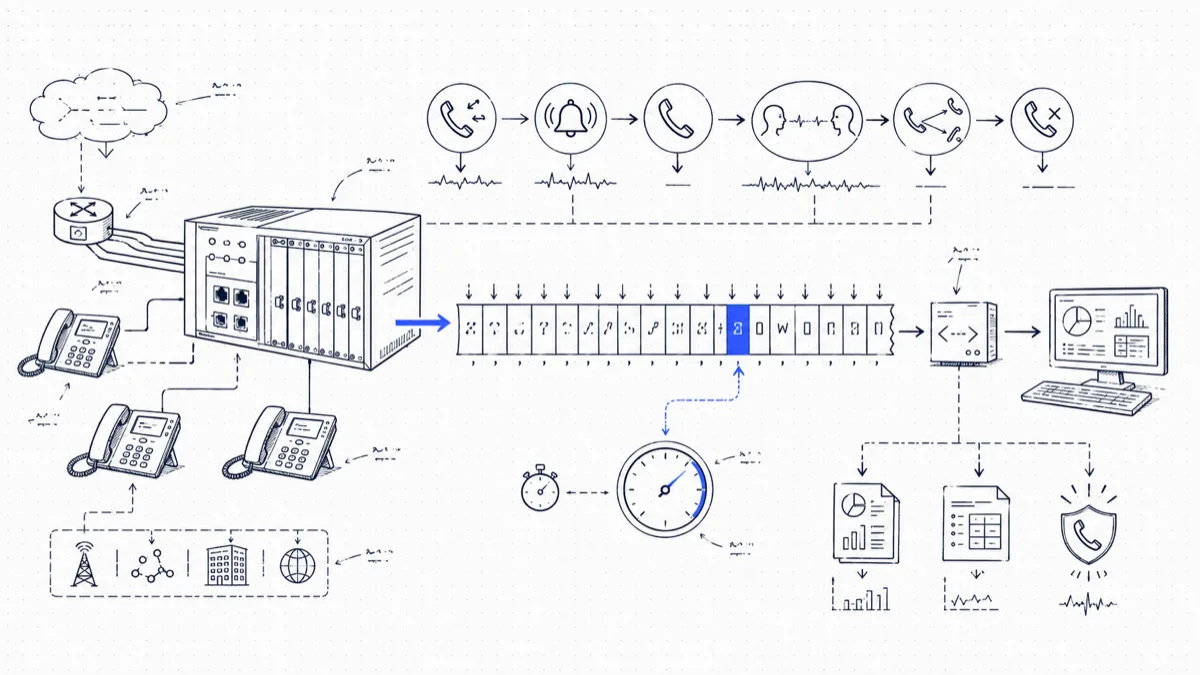
If you manage an Avaya IP Office, each call that touches the system leaves a trail: a single comma-separated line of SMDR (Station Message Detail Reporting) output. The line records who called, who answered, how long the phone rang, how long the parties talked, and any transfers along the way. It is the raw material for call accounting, missed-call reports, and 911 alerting.
The line has thirty-odd fields, the documentation is scattered, and a couple of fields behave in ways that trip up first-time parser writers. This guide goes through the whole record, field by field, with realistic examples you can check your own parser against.
What SMDR is on IP Office
IP Office generates one SMDR record per call, at the end of the call. If a call is transferred or handled in stages, the system emits one record per segment and chains the segments with a shared Call ID and a Continuation flag. More on that below, because it is the number one parsing mistake.
Two things to know before you touch the configuration:
- IP Office supports listen and send modes. Address
0.0.0.0makes IP Office listen for a collector connection; a receiver address makes it send records to that application. The steps below illustrate send mode for a custom receiver. PBXDom’s model notes instead use listen mode and port2300; see the Avaya configuration overview. Avaya documents both modes. - IP Office buffers records while nothing is listening. The system can hold up to 3,000 records while the receiving end is down. Once the buffer fills, the system discards the oldest records. A weekend outage on a busy system will cost you data, so run the receiver on an always-on machine.
Enabling SMDR output
In IP Office Manager:
- Receive the system configuration (File > Open Configuration).
- Select System in the left tree, then open the SMDR tab.
- Set Output to SMDR Only.
- Enter the IP Address of the machine that will receive the records.
- Set the TCP Port to match your receiver. The example below uses
33333; this is an example value, not a universal collector default. - Set Records to Buffer to the maximum (3000).
- Tick Call Splitting for Diverts if you want forwarded calls broken into separate legs (recommended for accounting accuracy).
- Save the configuration back with a merge; current releases apply SMDR settings without a reboot.
To verify output before pointing it at real software, run a listener on the target machine (nc -l 33333 on Linux, or any TCP listener utility on Windows) and make a test call. Within a few seconds of hanging up you should see a CSV line arrive. If nothing shows up, confirm the IP Office can reach the listener’s address and that no firewall blocks port 33333. Each record arrives as one CRLF-terminated line with no header row, so the first line you see is already data.
The SMDR record, field by field
The record is comma-separated, in fixed order. An empty field still appears as consecutive commas, so field position is reliable. Here is the layout:
| # | Field | Example | Notes |
|---|---|---|---|
| 1 | Call Start | 2023/02/06 09:12:08 | Local PBX time. For a transferred segment, this is when that segment began. |
| 2 | Connected Time | 00:03:45 | Talk time for this segment, hh:mm:ss. Excludes ring time. 00:00:00 for unanswered calls. |
| 3 | Ring Time | 12 | Seconds of ringing. For an abandoned call, this is how long the caller waited before giving up. |
| 4 | Caller | 02035551234 | The calling party’s number. Blank if caller ID was withheld; an extension number for internal/outbound calls. |
| 5 | Direction | I | I inbound, O outbound, as seen by the PBX. Internal calls are marked O. |
| 6 | Called Number | 201 | The number originally called. On a transferred call this stays the original target across all segments. |
| 7 | Dialled Number | 290370 | For inbound calls, the DDI digits received from the trunk. For internal and outbound, same as Called Number. |
| 8 | Account | 4001 | Account code entered for the call, if any. |
| 9 | Is Internal | 0 | 1 when both parties are internal (extensions, voicemail, etc.). |
| 10 | Call ID | 1000023 | Sequential ID starting at 1,000,000. Restarts when the system reboots. |
| 11 | Continuation | 0 | 1 means at least one more record with the same Call ID follows. |
| 12 | Party1Device | T9005 | Device prefix: E extension, T trunk, V voicemail channel. T9005 is trunk line 5. |
| 13 | Party1Name | LINE 5.1 | Name of device 1: a user name for extensions, LINE x.y for trunks. |
| 14 | Party2Device | E201 | The other party’s device, same prefix scheme. |
| 15 | Party2Name | Sara Bell | The other party’s name. |
| 16 | Hold Time | 0 | Seconds this segment spent on hold. |
| 17 | Park Time | 0 | Seconds this segment spent parked. |
| 18 | AuthValid | n/a | Whether an authorization code was validated. |
| 19 | AuthCode | n/a | The authorization code, if codes are shown rather than hidden. |
| 20–27 | Charge fields | User Charged, Call Charge, Currency, Amount at Last User Change, Call Units, Units at Last User Change, Cost per Unit, Mark Up. These carry data when the trunk supplies ISDN Advice of Charge; blank on most systems. | |
| 28 | External Targeting Cause | U FU | Why an external call was generated: e.g. U FU (user forward unconditional), HG (hunt group), U MT (mobile twinning). |
| 29 | External Targeter ID | Sara Bell | The user, hunt group, or feature responsible for the targeting. |
| 30 | External Targeted Number | 07700900123 | The external number the system dialed on the caller’s behalf. |
Newer IP Office releases can append additional fields after these. Write your parser to read by position from the left and tolerate extra trailing fields rather than demanding an exact count.
Three worked examples
An answered inbound call. External caller rings DDI 290370, which targets extension 201; Sara answers after 9 seconds and talks for 3 minutes 45 seconds:
2023/02/06 09:12:08,00:03:45,9,02035551234,I,201,290370,,0,1000023,0,
T9005,LINE 5.1,E201,Sara Bell,0,0,n/a,n/a,...
A missed call. Same DDI, but the call goes unanswered. The caller hangs on for 25 seconds and gives up. Connected Time is zero; Ring Time records the 25 seconds they waited:
2023/02/06 12:47:51,00:00:00,25,07700900123,I,201,290370,,0,1000031,0,
T9002,LINE 2.1,E201,Sara Bell,0,0
A record with Connected Time 00:00:00 and Direction I is a missed external call. That one filter is the basis of any missed-call report you build on IP Office.
A transferred call. The caller reaches Reception (200), talks for 41 seconds, and is transferred to Raj on 214. Two records, one Call ID:
2023/02/06 14:03:10,00:00:41,7,02035556789,I,200,290370,,0,1000042,1,
T9001,LINE 1.1,E200,Reception,12,0
2023/02/06 14:03:58,00:04:12,5,02035556789,I,200,290370,,0,1000042,0,
T9001,LINE 1.1,E214,Raj Patel,0,0
The first record carries Continuation = 1, the Called Number stays 200 on both segments (it never becomes 214), and the 12 seconds the caller spent on hold while Reception announced the transfer land in the first record’s Hold Time.
Gotchas worth knowing
Count distinct Call IDs. A transferred call produces two or more records. Count raw lines and your inbound volume inflates while your average talk time collapses. Count distinct Call IDs instead, and sum Connected Time across segments for total talk time.
Internal calls carry Direction O. The Direction field alone cannot isolate external traffic. Combine it with Is Internal, or check whether Party1Device or Party2Device includes a T trunk device.
Called Number is the original target. To find who ended up handling a transferred call, read Party2Device on the last segment.
Call IDs restart on reboot. Key your storage on Call ID plus date, or you’ll merge unrelated calls after a power cycle.
Clock drift ruins reports. SMDR timestamps come from the PBX clock with no timezone marker. Keep the system on NTP, or your “calls after 6 p.m.” alert will fire at odd hours.
Voicemail looks like a party. A call answered by voicemail shows a V device as Party2. Decide up front whether your reports treat that as answered; for most businesses, a call that hit voicemail counts as missed.
Where PBXDom fits
PBXDom collects documented Avaya call-record output for dashboards, call history, and call accounting. The supported connection and available reporting fields depend on the system. Review the Avaya reporting overview, then check your model before choosing guided or self-setup.