 PBXDom
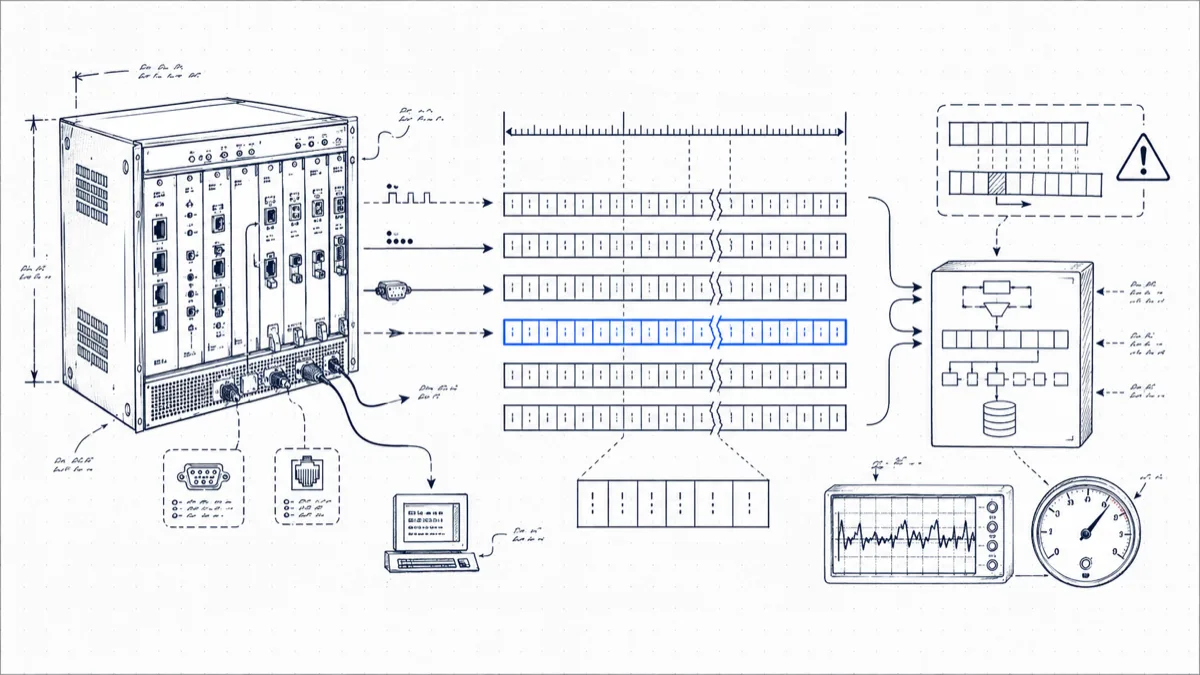
Mitel’s SMDR format is one of the oldest call-record layouts still in production. It predates CSV: each record is a fixed-width line of ASCII where the position of a character matters as much as the character itself. The format is fast to read by eye and miserable to parse if you split on whitespace.
This guide covers the MiVoice Business platform, including the 3300 ICP controllers it grew out of: turning SMDR on, the record layout, and the pitfalls that trip up homemade parsers.
Turning SMDR on
Two forms in the System Administration Tool (the web-based ESM) control SMDR generation:
1. Class of Service Options. The controller grants SMDR per Class of Service; there is no global switch. In the Class of Service Options form, for each COS assigned to your trunks and extensions, set:
- SMDR – External SMDR Records = Yes (for any trunk and any extension whose external calls you want logged)
- SMDR – Internal SMDR Records = Yes when you need station-to-station call logging; see the section on internal records below.
A classic support call starts with “SMDR shows some calls but not others.” Nine times out of ten, one trunk group carries a COS with external SMDR records still set to No.
2. The SMDR Options form. This controls what goes into each record: extended digit length, time-to-answer reporting, ANI/DNIS reporting on incoming trunks, meter pulses, network format (which appends node identifiers in a cluster), and 24-hour versus 12-hour time. Each of these switches changes the record layout, and your parser has to match the layout in force.
Getting the stream out. The controller streams SMDR over TCP on port 1752. Unlike Avaya IP Office, the Mitel is the server: your collecting application opens a TCP connection to the controller’s IP on 1752 and records flow in as the controller generates them. If nothing is connected, the controller buffers records, but the buffer is finite; once it wraps, the oldest records are gone. Keep a collector connected around the clock.
A quick sanity test before involving any software: from a machine with network reach to the controller, open a raw connection (telnet <controller-ip> 1752 or nc <controller-ip> 1752), make an external test call, and hang up. Within a few seconds a fixed-width line should print. If the controller refuses the connection, check that nothing else is attached (the controller serves a limited number of simultaneous SMDR sessions) and that no firewall sits between you and port 1752. If the connection opens but stays silent, suspect COS first: the trunk that carried your test call has external SMDR records set to No.
The record layout
A standard external SMDR record reads left to right in this order. Widths are typical for a common options configuration; treat them as a starting point and verify against your own output, because SMDR Options change them.
| Order | Field | Width | Example | Notes |
|---|---|---|---|---|
| 1 | Long-call indicator | 1 | - | Flags calls over duration thresholds; blank on most records. |
| 2 | Date | 5 | 04/10 | Month/day. No year; your parser supplies it. |
| 3 | Start time | 5–6 | 09:14 | p suffix appears in 12-hour mode (02:31p). Use 24-hour format and save yourself grief. |
| 4 | Duration | 8 | 00:04:32 | hh:mm:ss of conversation. |
| 5 | Calling party | 4–7 | T0107 | Trunk number with T/X prefix for incoming trunk calls; bare extension number for outgoing. |
| 6 | Attendant flag | 1 | * | Set when the attendant console was involved. |
| 7 | Time to answer | 3–4 | 008 | Seconds from ring to answer. *** means the caller hung up before anyone answered. |
| 8 | Digits dialed on the trunk | up to 26 | 96135550182 | Outbound: the digits sent to the carrier. Inbound: dialed/DNIS digits if reported. Width depends on the extended digit length option. |
| 9 | Meter pulses | 5 | Present when enabled; rare in North America. | |
| 10 | Called party | 4–7 | 2401 | The extension or trunk that answered. |
| 11 | Transfer/conference indicator | 1 | T | T = supervised transfer, X = unsupervised, C = three-party/conference. |
| 12 | Third party | 4–7 | 2417 | The party the call was transferred to. |
| 13 | Account code | up to 12 | 5512 | If one was entered. |
| 14 | ANI / DNIS | 10 + 10 | 6135550182 | Appended for incoming calls when ANI/DNIS reporting is on. |
| 15 | System/node identifier | 3 | 001 | Appended in network format; identifies which cluster node generated the record. |
Worked examples
These are formatted with a common option set: 24-hour time, time-to-answer on, ANI reporting on.
An answered incoming call. Trunk 107 rings extension 2401, answered after 8 seconds, 4½ minute conversation, caller’s ANI captured at the end of the line:
04/10 09:14 00:04:32 T0107 008 2401 6135550182
An abandoned incoming call. Same trunk, but the caller gave up. Duration is zero and the time-to-answer field holds ***. Each *** marks a caller who hung up unanswered, which makes it the most useful character sequence in the whole format:
04/10 12:52 00:00:00 T0107 *** 2401 4165550114
A transferred call. Extension 2401 answers, then transfers the caller to 2417. The transfer indicator T appears between the called and third-party fields:
04/10 14:21 00:06:05 T0107 011 2401 T 2417 6135550182
Depending on options and how the transfer completes, the system may emit an additional record for the second leg. Reconcile by trunk number plus time window, since Mitel records carry no call ID linking the legs.
Internal vs. external SMDR
External records (anything touching a trunk) and internal records (station to station) are separate COS switches, and they look different: an internal record has extensions in both the calling and called positions and nothing in the trunk-digits field.
Be careful where you enable internal SMDR. On a 300-extension system it can triple record volume, and external records answer most accounting and reporting questions: cost, missed business calls, trunk utilization. Enable internal SMDR on a narrow set of COS entries, for example the departments where you bill internal effort.
Parsing pitfalls
Parse by column position. Blank fields are legal and common: no account code, no transfer, no attendant. Split on whitespace and each later field shifts left without an error to warn you.
Options move the columns. Extended digit length widens field 8. ANI/DNIS and network format append fields. Meter pulses inserts one. If anyone touches the SMDR Options form, capture fresh sample output and re-verify your column map before trusting another report. Treat the options form as part of your parser’s configuration.
*** is not a number. A naive parseInt on the time-to-answer field will throw or return garbage on abandoned calls, the calls you most want to count.
The p suffix. In 12-hour mode, 02:31p is 14:31. Either handle it or switch the controller to 24-hour SMDR time.
No year in the date. Records around midnight on December 31 will test your assumptions. Stamp records with arrival time at the collector as a cross-check.
Buffer overflow is silent. If your TCP client disconnects on Friday evening and reconnects Monday, the controller hands you whatever survived in the buffer with no gap marker. Monitor the connection as well as the data.
Wrapping up
Mitel SMDR rewards a careful, position-based parser and punishes shortcuts. Once you have the columns mapped, the record is rich: time to answer and the *** abandon marker give you service-level visibility that some far newer systems don’t expose. The PBXDom collector connects to the controller on port 1752, tracks the option-dependent layouts for you, and has parsed Mitel SMDR alongside the other PBX brands we support (Cisco, Avaya, Panasonic, 3CX, and Asterisk) since 2015. If you’d rather skip straight to dashboards and abandoned-call alerts, check the exact Mitel model before starting the 14-day trial.