 PBXDom
1- Download collector file from website or setup page. ( to download, go to www.pbxdom.com/download )
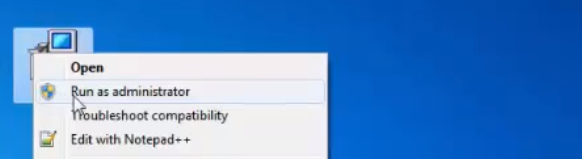
2- When download is completed, right-click on setup.exe and select Run as administrator to run the setup file.
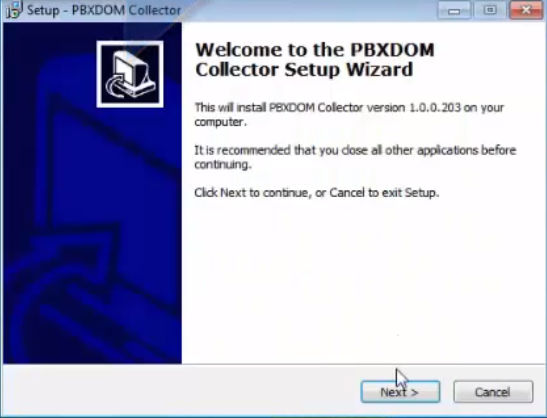
3- Click on the Next button.
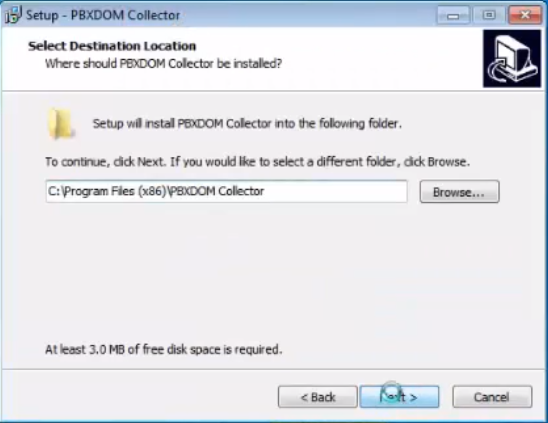
4- If you need to change the installation directory, select the target directory and click next.
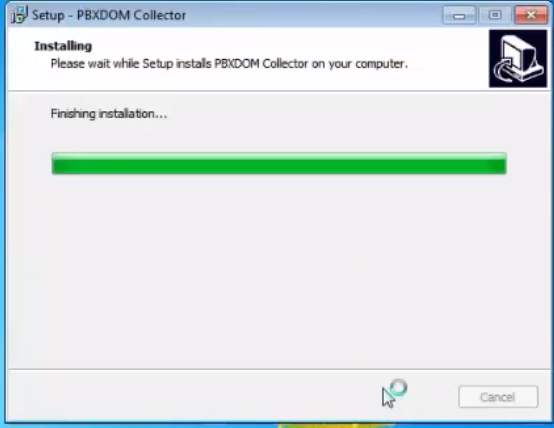
5- Wait until the setup has been completed.
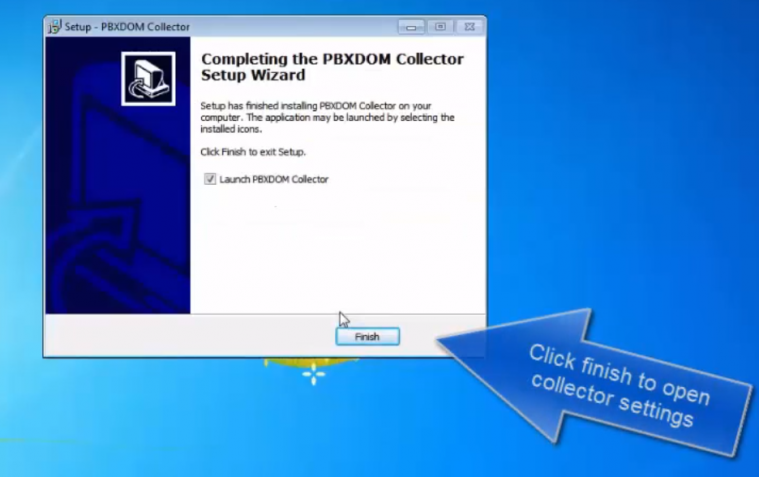
6- Click on the finish button to open-collector settings program.
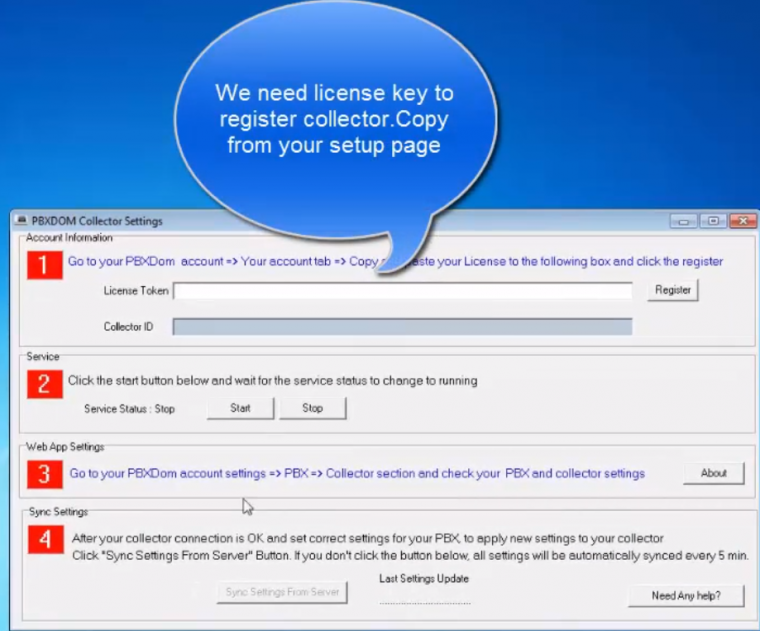
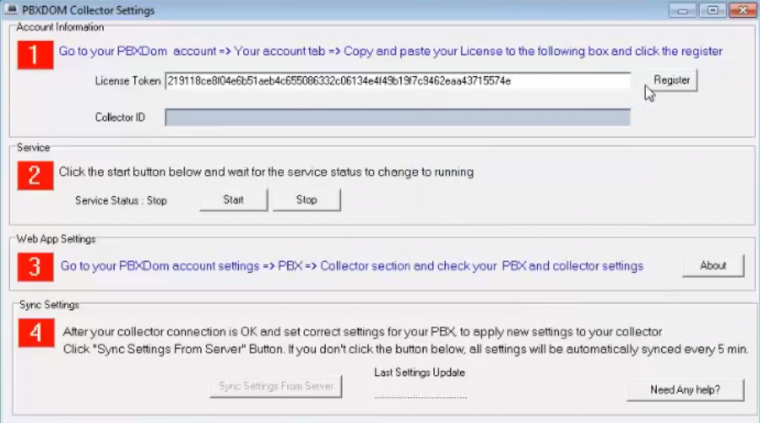
7- You need then enter your license key in the license token box and click on the register button. To get your license key, you must go to your PBXDom account or setup page.
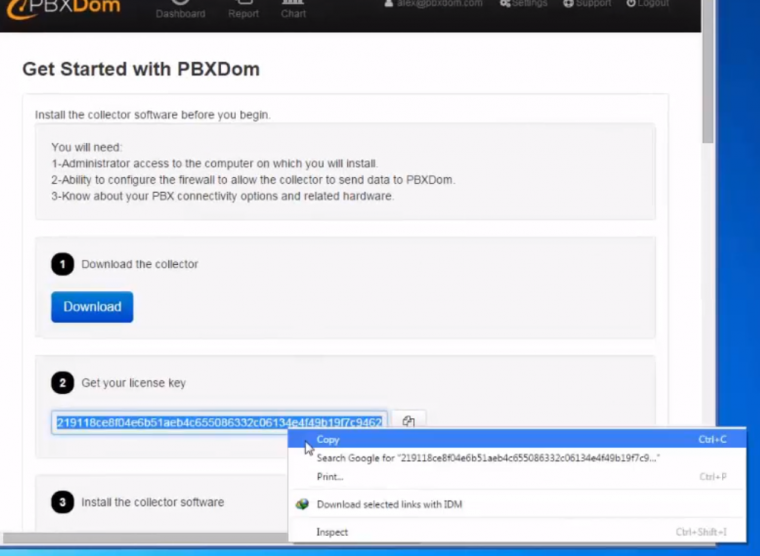
8- Copy your license token from the setup page.
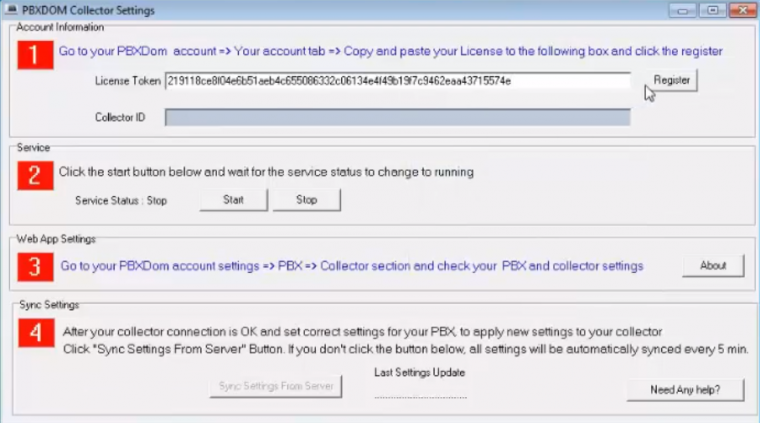
9- Paste your license key and click on the register button.
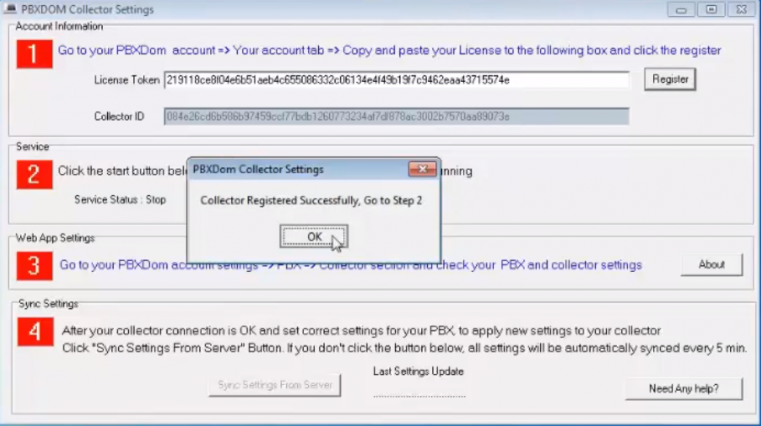
10- If your registration key is correct, you must see the collector registered successful window. Click ok to close;
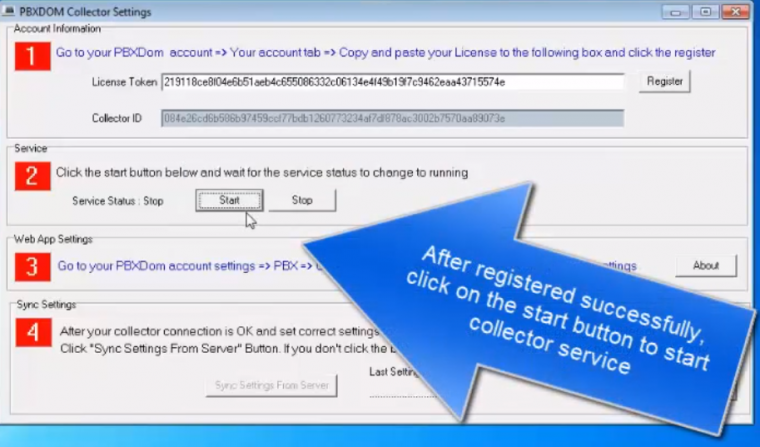
11- Once registration successfully, click on the start button in section two to start collector service and wait until service status changes to start.
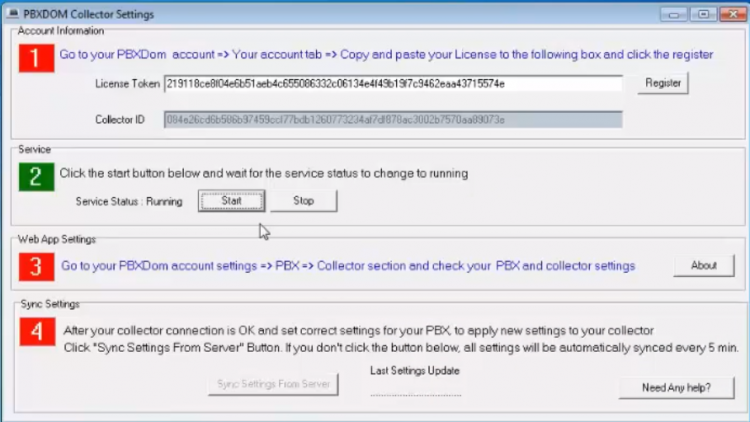
12- When number two became green and service status shown Running. Our work on the collector side has finished, and you can close the collector settings program. To apply PBX configuration, we must go to the website. Before applying PBX configuration, you must make sure your collector registered successfully in the next step.
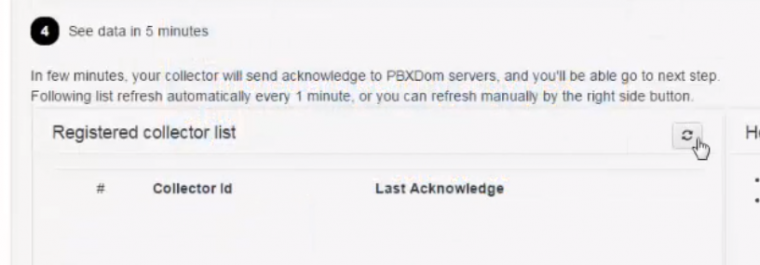
13- In setup page, please click on the refresh button to see your registered collector list. If your collector registered successfully, you must see your registered collector in this list.
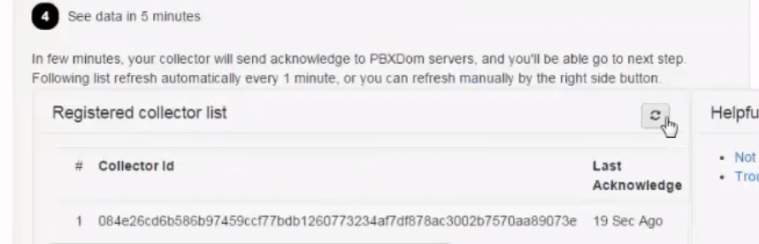
14- If you see your registered collector in the list, your collector side tasks are finished, and you must apply the correct settings to connect your PBX to PBXDom.