 PBXDom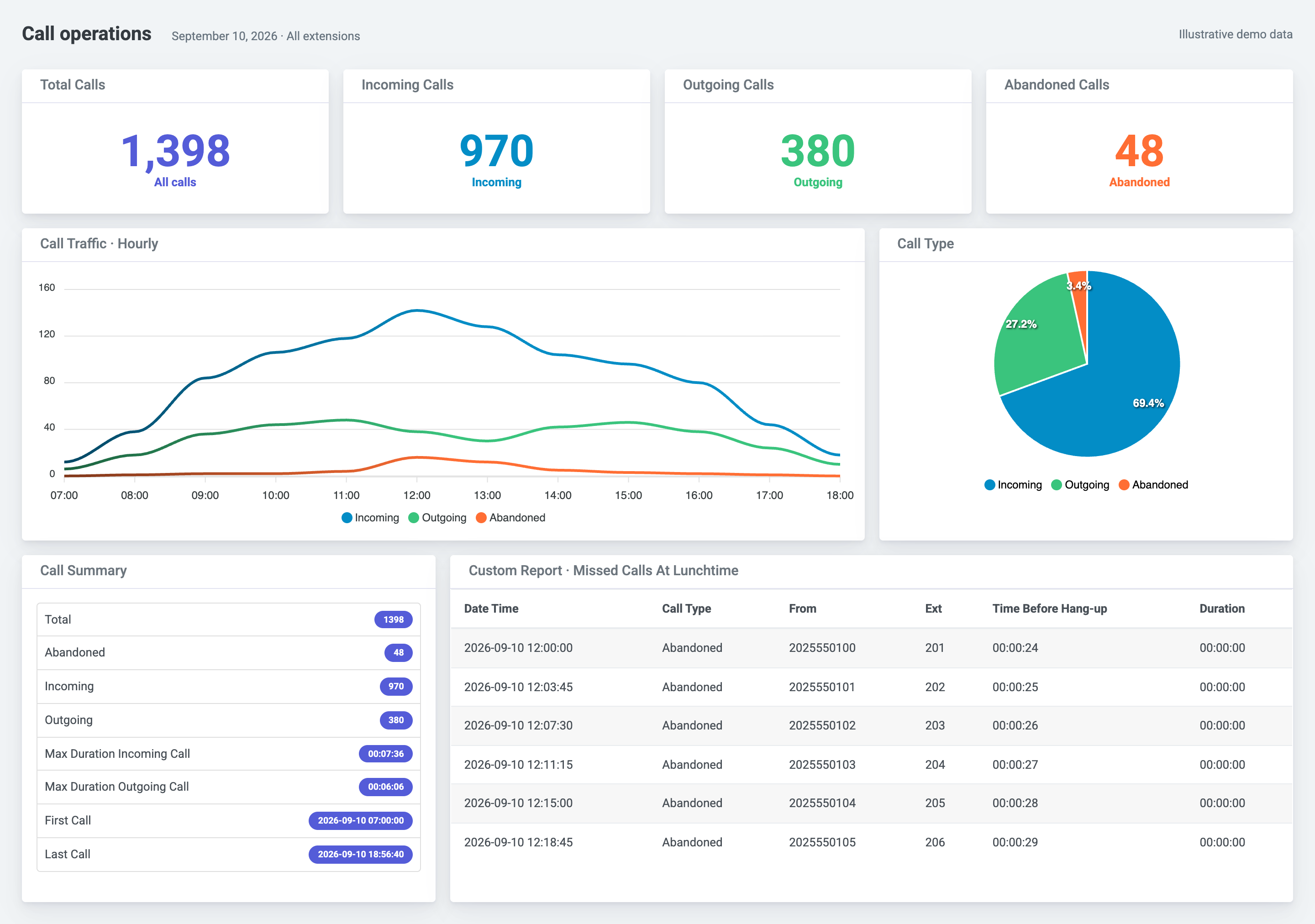
Panasonic SMDR reporting without recurring exports
Panasonic PBX systems output Station Message Detail Recording records for completed call activity. PBXDom collects that output continuously and turns it into dashboards, searchable call history, scheduled reports, accounting views, and alerts. The exact collection method depends on the model rather than the Panasonic brand alone.
The public PBXDom catalog documents two main connection families:
| Panasonic system family | Documented collection path |
|---|---|
| KX-TA, KX-TD, KX-TES, and KX-TEM systems listed below | RS-232 serial output to the collector host |
| KX-TDA, KX-TDE, and KX-NS systems listed below | SMDR over the LAN where supported by that model and configuration |
Do not infer support from the family name alone. Select the exact model below or use the Panasonic compatibility check to see the current public connection notes.
Reports created from Panasonic call records
Once the collector receives valid SMDR, PBXDom can organize the records into:
- incoming, outgoing, internal, and abandoned-call history;
- missed calls with caller, time, destination, and duration details available in the record;
- call volume and duration by extension, department, trunk, or date range;
- frequently called and frequently calling numbers;
- extension and trunk utilization summaries;
- scheduled reports delivered by email;
- call-cost views using the configured accounting rules;
- emergency-number and missed-call alert rules from the same stream.
Open the call-history sample or review the frequently dialed numbers sample before connecting a system.
What the Panasonic setup requires
For a serial model, the collector host needs a working serial connection to the PBX. That may be a physical COM port or a suitable serial adapter, plus the correct cable and SMDR output settings. The Panasonic RS-232 guide documents the general workflow.
For a LAN-capable model, the collector host must reach the PBX SMDR service over the local network. The administrator enables the required call types and configures the matching SMDR format, port, and credentials. The Panasonic LAN guide shows the settings used by the documented KX-TDA, KX-TDE, and KX-NS systems.
The collector forwards received records to PBXDom using outbound web access. PBXDom does not change call routing, extensions, trunks, or the Panasonic dial plan.
Multi-site and mixed-generation reporting
Organizations can operate different documented Panasonic systems at separate sites and report them into the same PBXDom account. This is useful when one branch still produces records through a serial connection while another uses LAN SMDR. Reports can be viewed by system, site, department, extension, or consolidated scope, subject to the selected plan.
Connection time depends on administrative access, the PBX output configuration, cabling or network reachability, and the collector host. Confirm these requirements before creating an account or scheduling guided setup.
Evaluate the exact Panasonic deployment
Check the Panasonic model without providing an email. The result shows the current public collection method and requirements. From there, choose self-setup or a guided connection session for the same 14-day trial.