Explore illustrative demo reports with a question to investigate in every example: call activity, missed calls, route usage and estimated costs. Available fields depend on your PBX output and configuration.
1:25 · Product walkthrough
Follow a real demo-account report from 255 missed calls to one caller, then see the exported PDF and CSV.
In this video, you'll learn how to generate a missed-call report in PBXDom, sort and search the results, and export a filtered PDF or a complete CSV.
Open Reports, choose Missed Calls, and set the period to Yesterday. Then click Create Report.
Now we have the result: two hundred and fifty-five missed-call records. Each row shows when the call arrived, the caller's number, and the extension it reached. These are the details you can use to investigate a missed call.
Click Date Time to put the most recent calls first. Notice that the rows actually change order. You can sort other columns the same way.
To find a particular caller, enter their full number in Search. The table narrows to the matching record, so you can check its time and extension without scanning every page.
Now export this filtered result. We'll choose PDF and open the downloaded report. The file contains the same matching call. Excel and CSV are also available.
Clear Search to return to the full report. The entries selector controls how many rows you see per page, and Next takes you through the remaining results.
For the complete list, clear the search before exporting CSV. In this example, the download contains all two hundred and fifty-five calls, not just the rows visible on screen.
You now know how to find missed calls, check a caller's details, and export the results for follow-up. Thanks for watching.
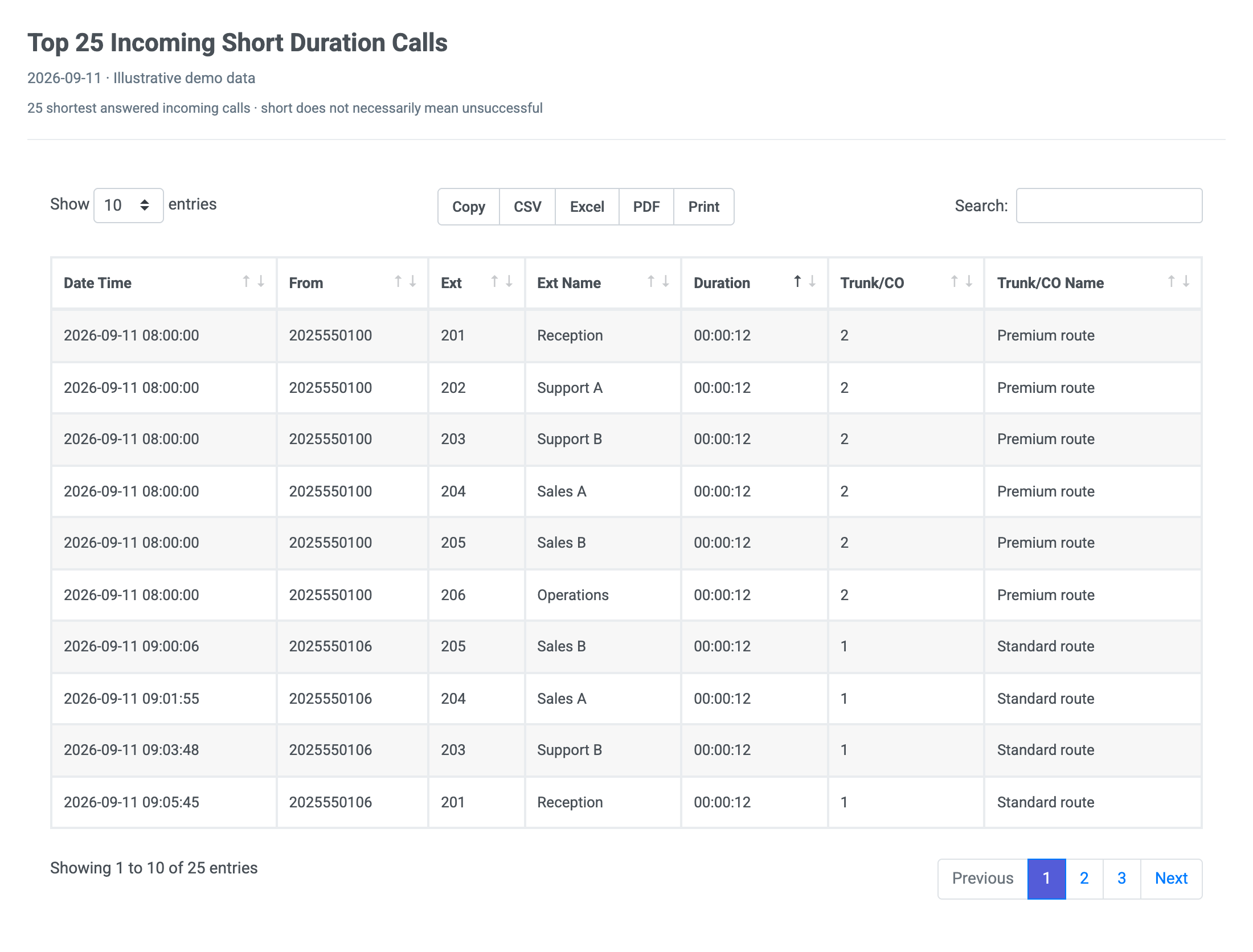
This report presents us with a list of the 25 shortest incoming calls received by a company or organization based on the …
View sample →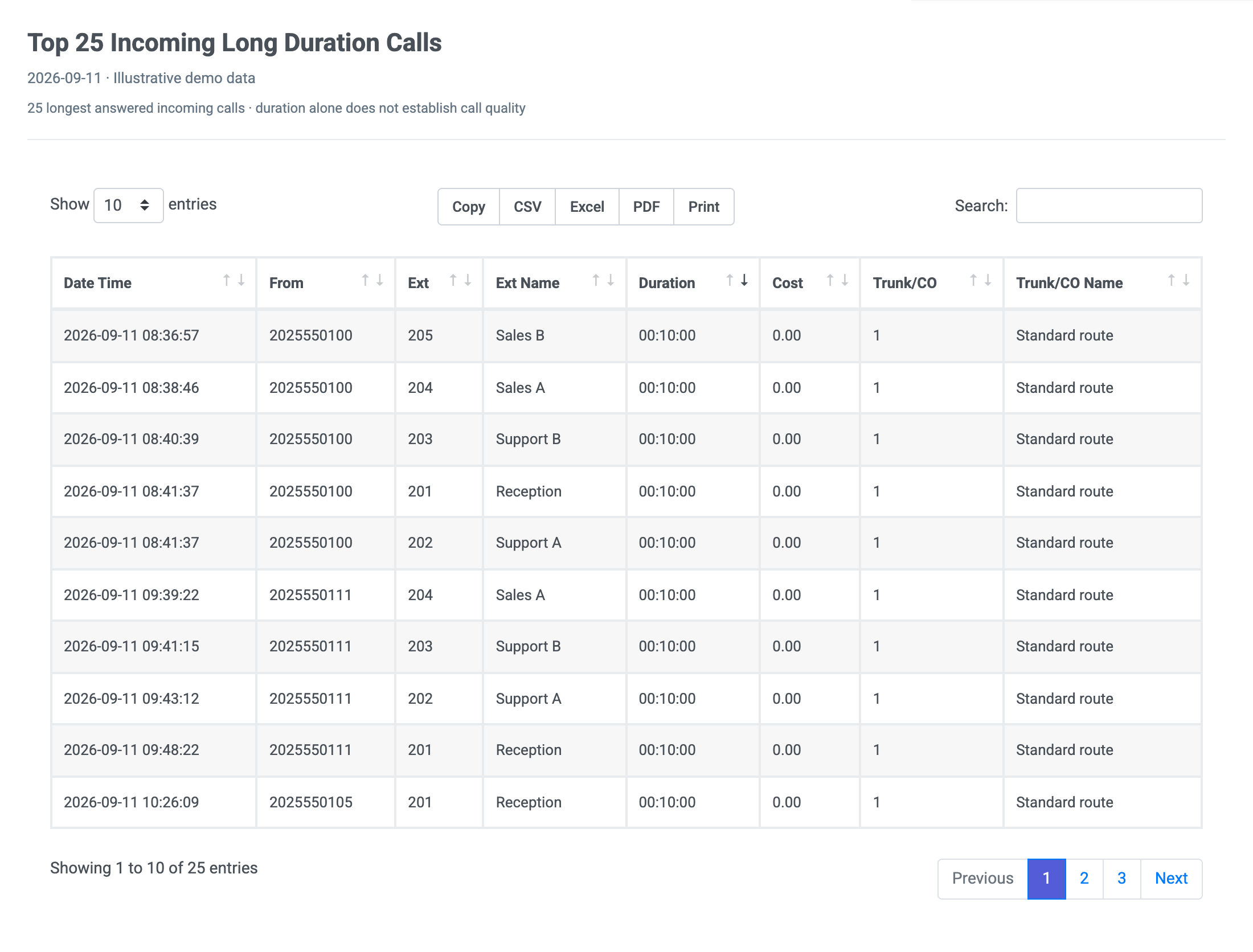
This report presents us with a list of the top 25 longest incoming calls received by a company or organization based on …
View sample →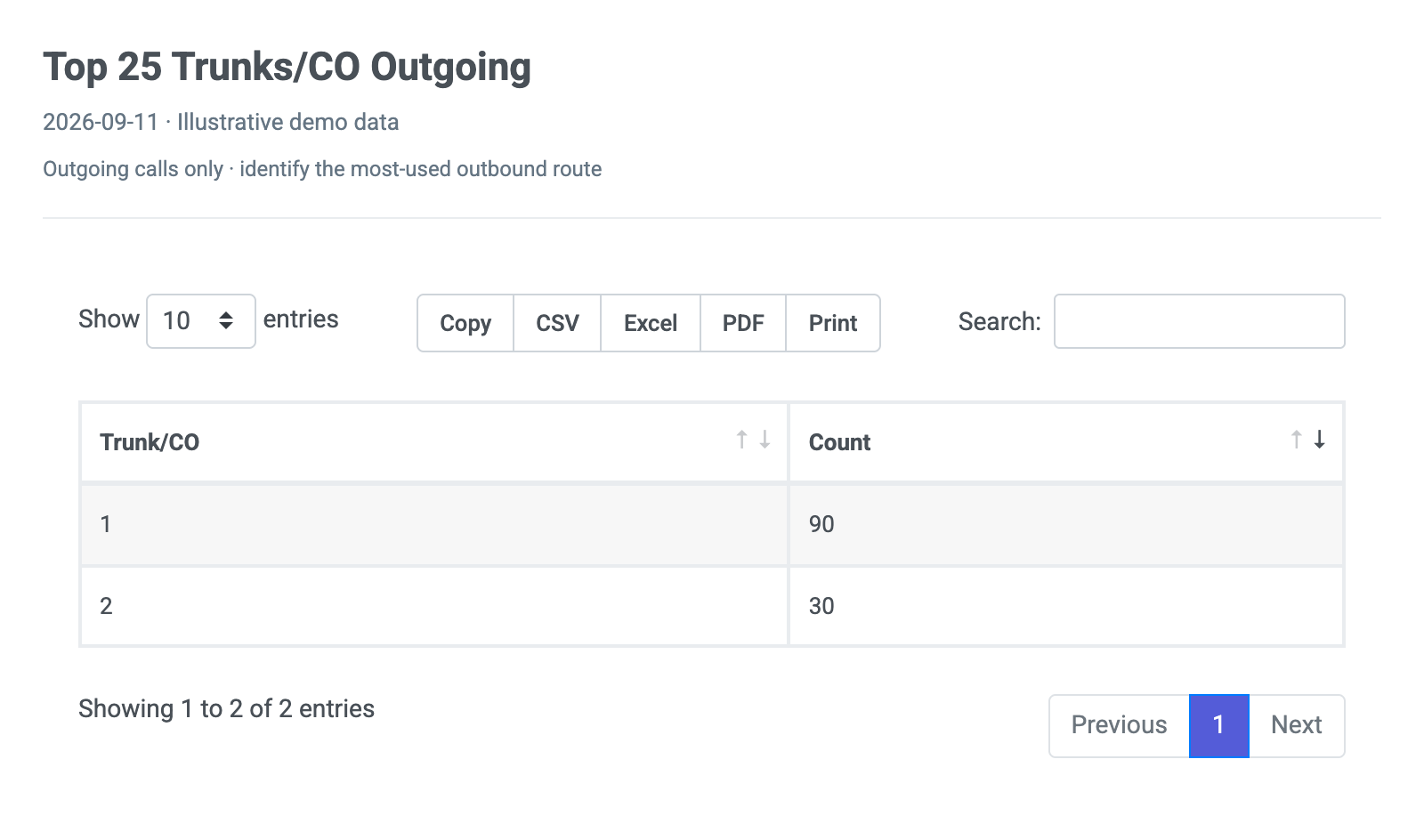
This report gives us a list of the top 25 most actively used landlines only for outgoing calls based on the number of …
View sample →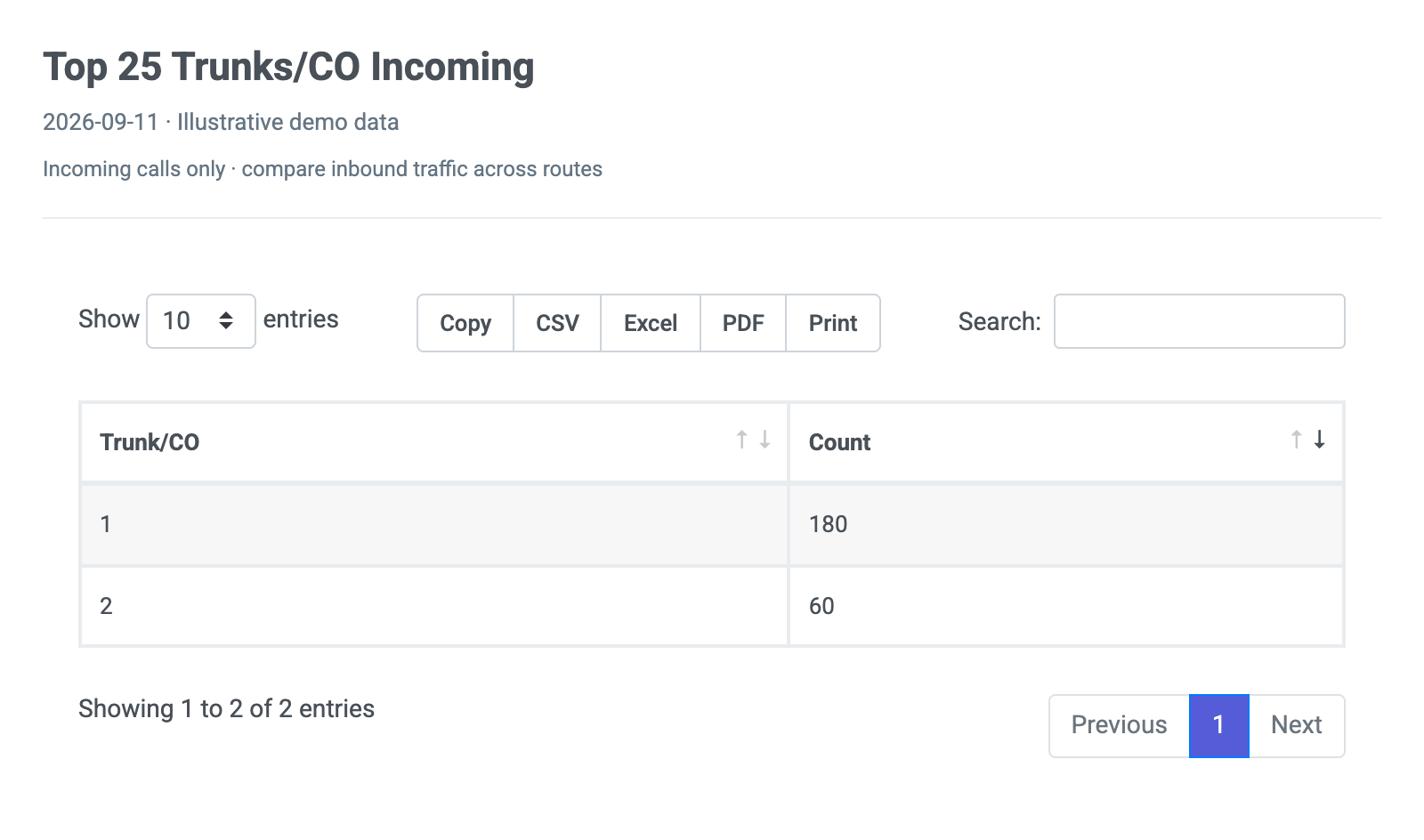
This report gives us a list of the top 25 most actively used landlines only for incoming calls based on the number of …
View sample →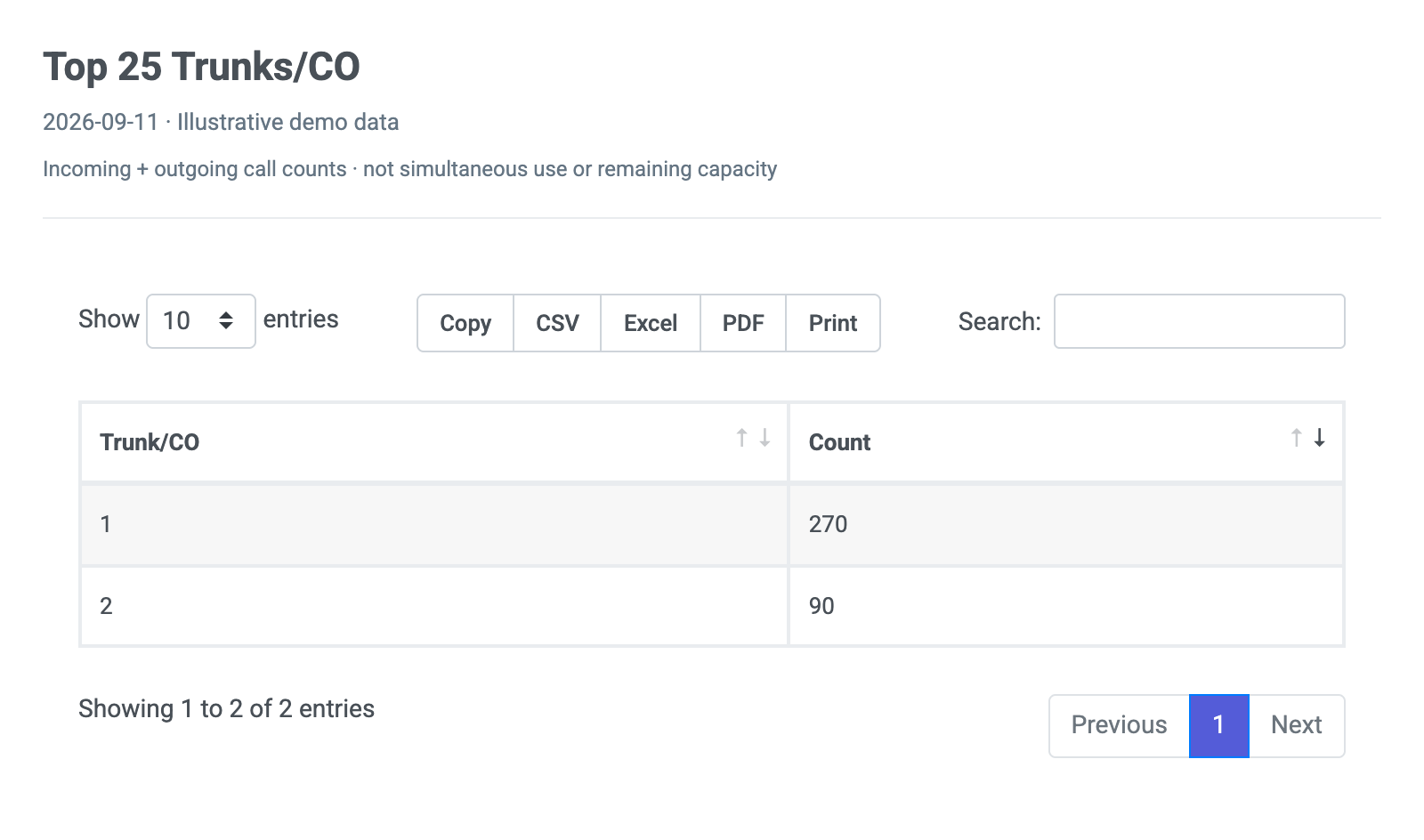
This report gives us a list of the top 25 most actively used landlines both for incoming and outgoing calls based on the …
View sample →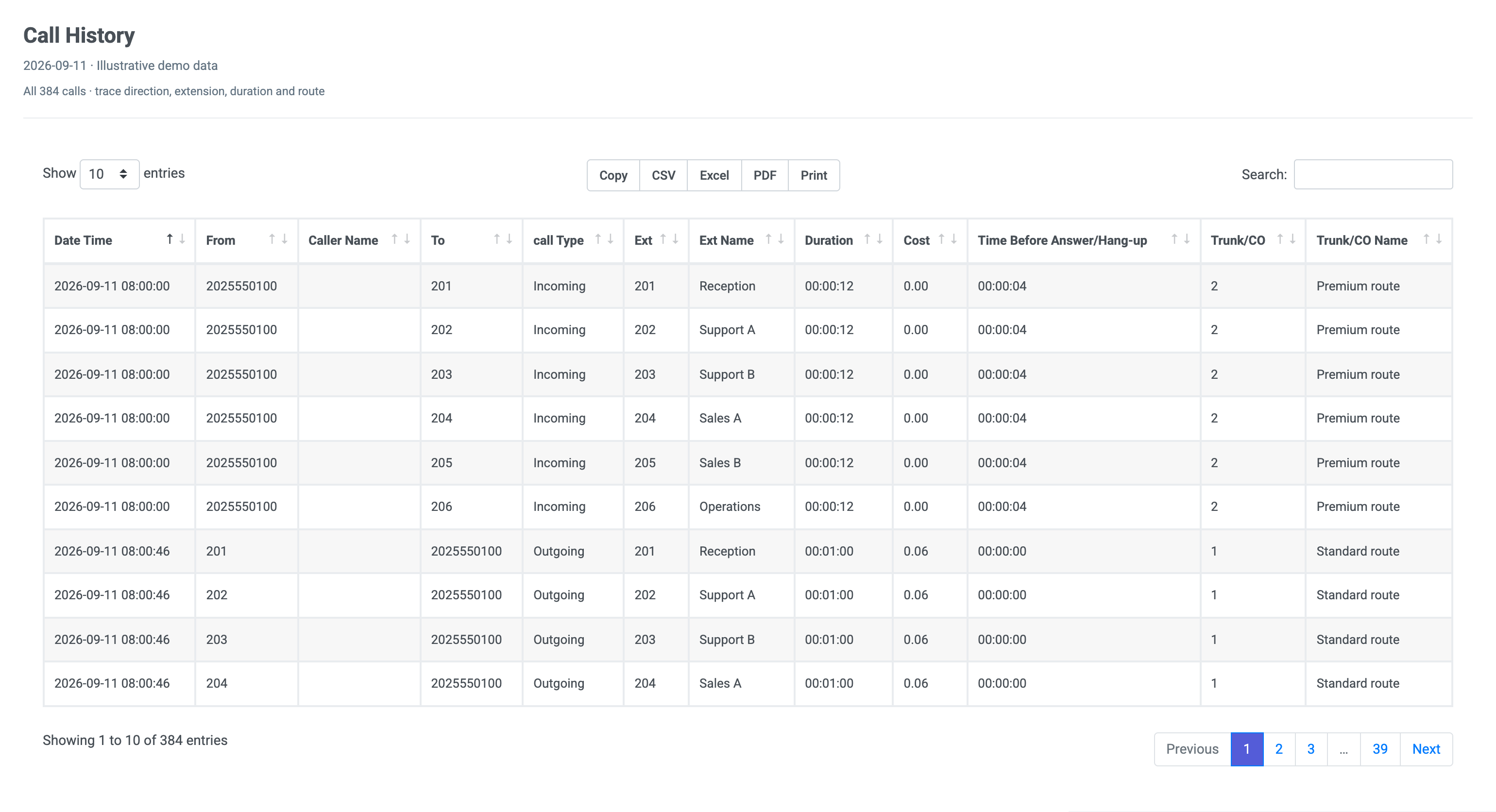
This report shows us a complete list of all the internal, incoming, outgoing, and abandoned calls in a company or …
View sample →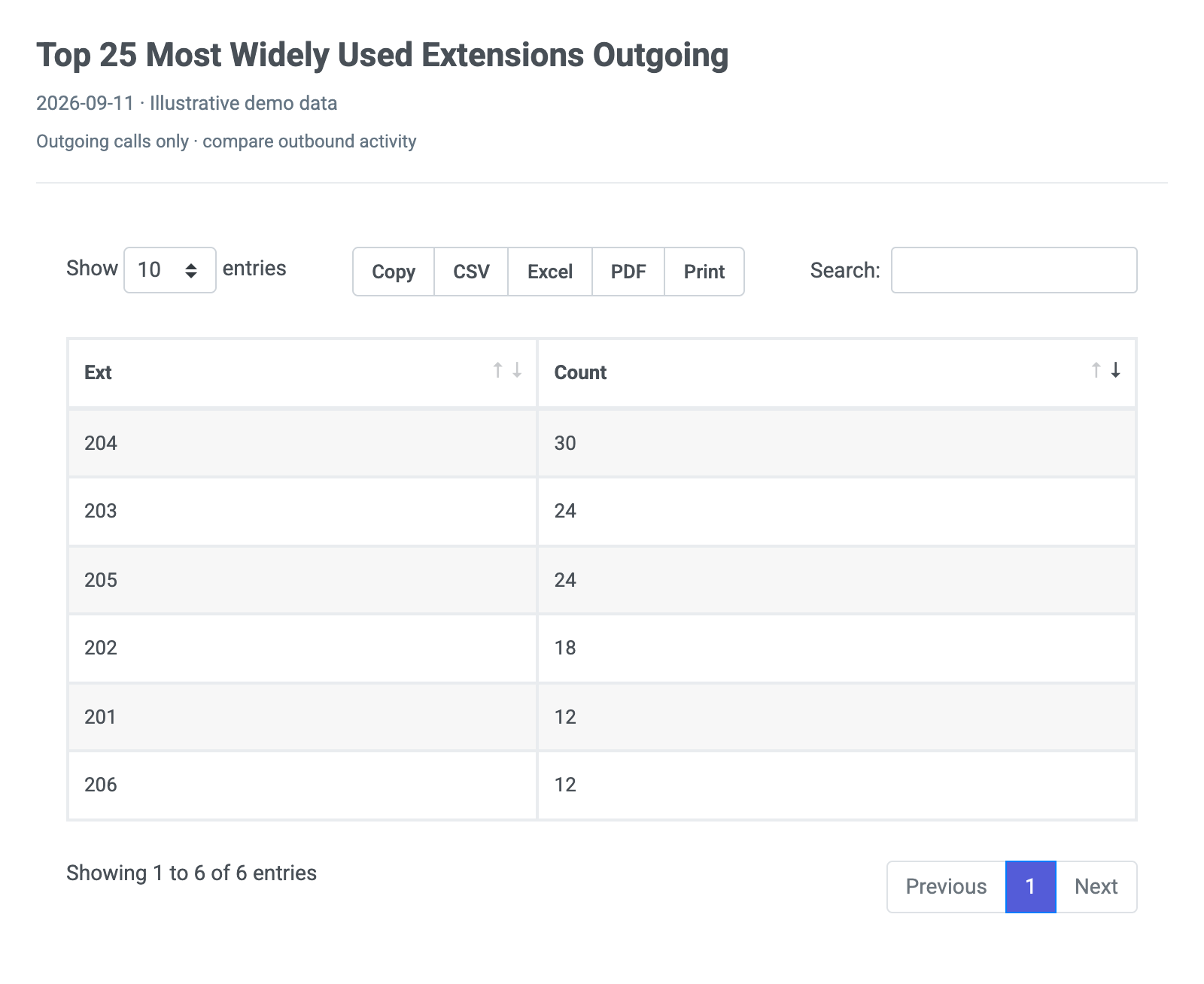
This report shows us a list of the most actively used extensions for outgoing calls in a company or organization. Open …
View sample →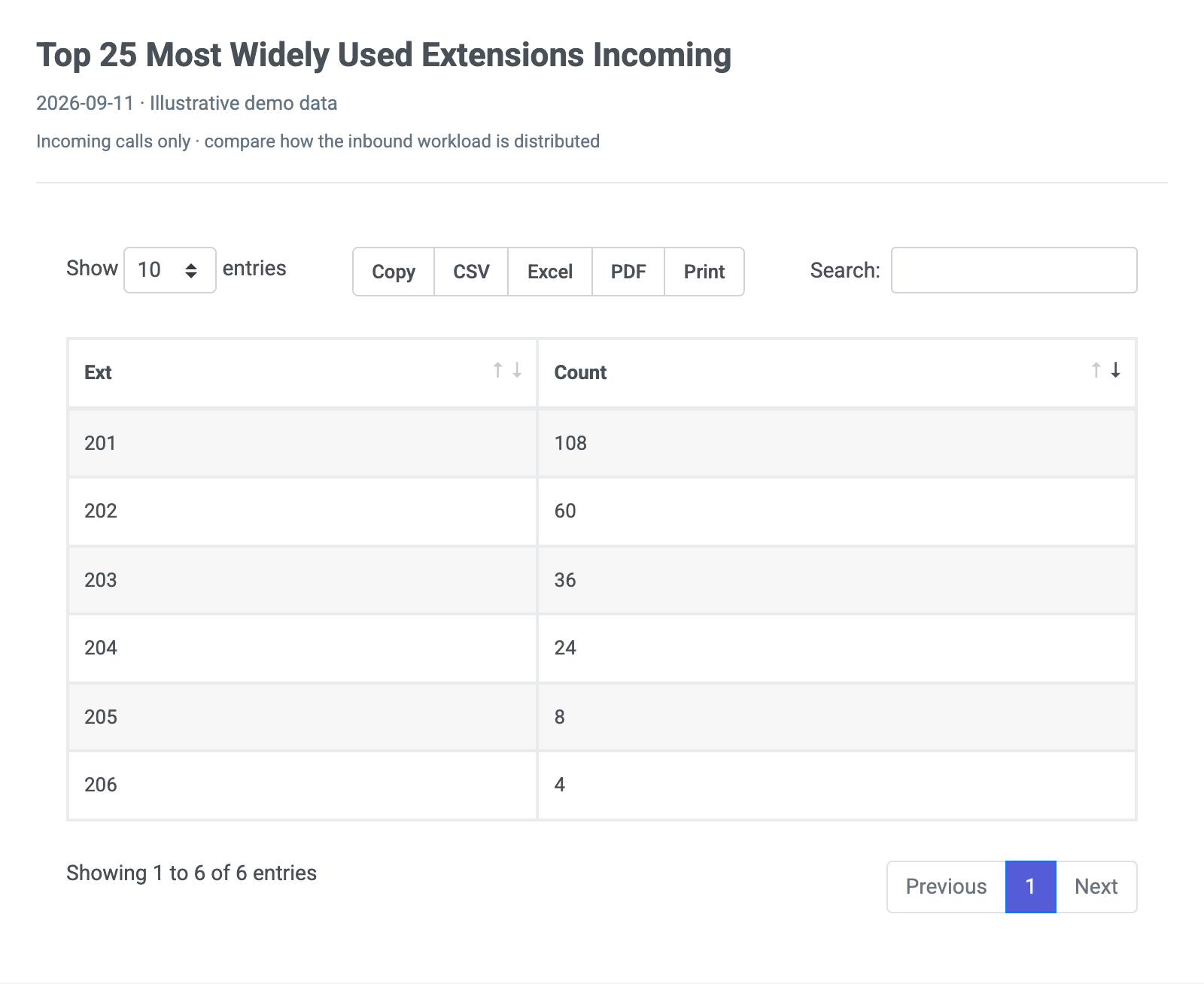
This report shows us a list of the most actively used extensions for incoming calls in a company or organization. Open …
View sample →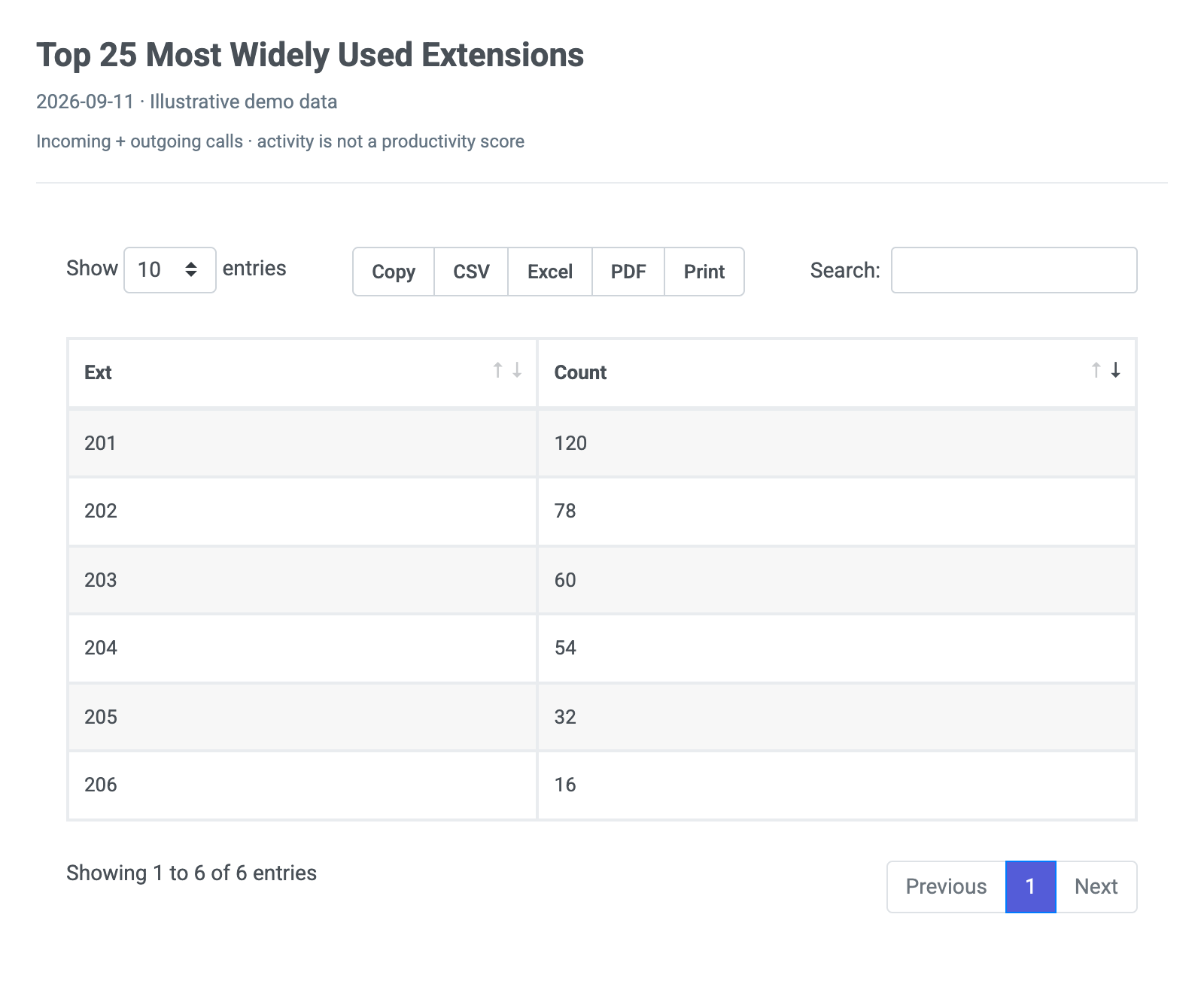
This report shows us a list of the most actively used extensions in a company or organization, for both incoming and …
View sample →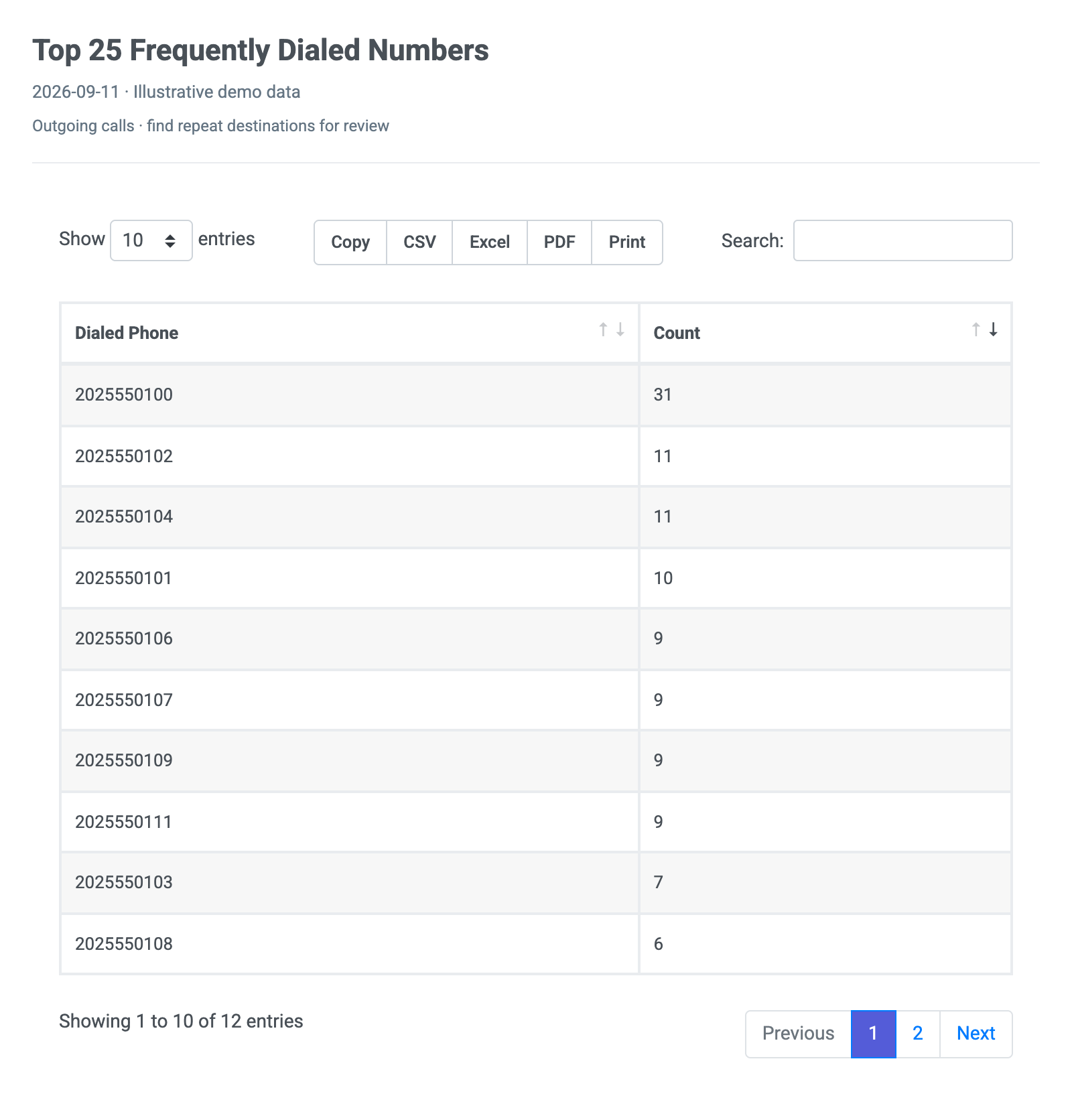
This report gives us a list of the top 25 phone numbers which a company or organization made the highest number of the …
View sample →Check your PBX model, then choose guided setup or connect it yourself to fill these reports with your call data.
 PBXDom