 PBXDom
Security and data architecture
Understand the standard PBXDom data path before installation: where the collector runs, which phone-system records it reads, what those records contain, and which deployment details require confirmation.
No certification or compliance status is implied on this page.
Standard collector data flow
The exact PBX-side protocol and fields depend on the manufacturer, model, software release, and enabled CDR or SMDR output.
- 01
Phone system
The existing PBX produces CDR, SMDR, or another supported call-accounting output.
- 02
Local collector
A PBXDom collector runs on an always-on host that can reach that output. The host depends on the supported setup.
- 03
Hosted reporting
The collector forwards call records to PBXDom so reports, dashboards, and configured alerts can be produced.
- 04
Authorized users
Users open the hosted product to search records, view dashboards, and manage reports or alerts.
What the standard workflow handles
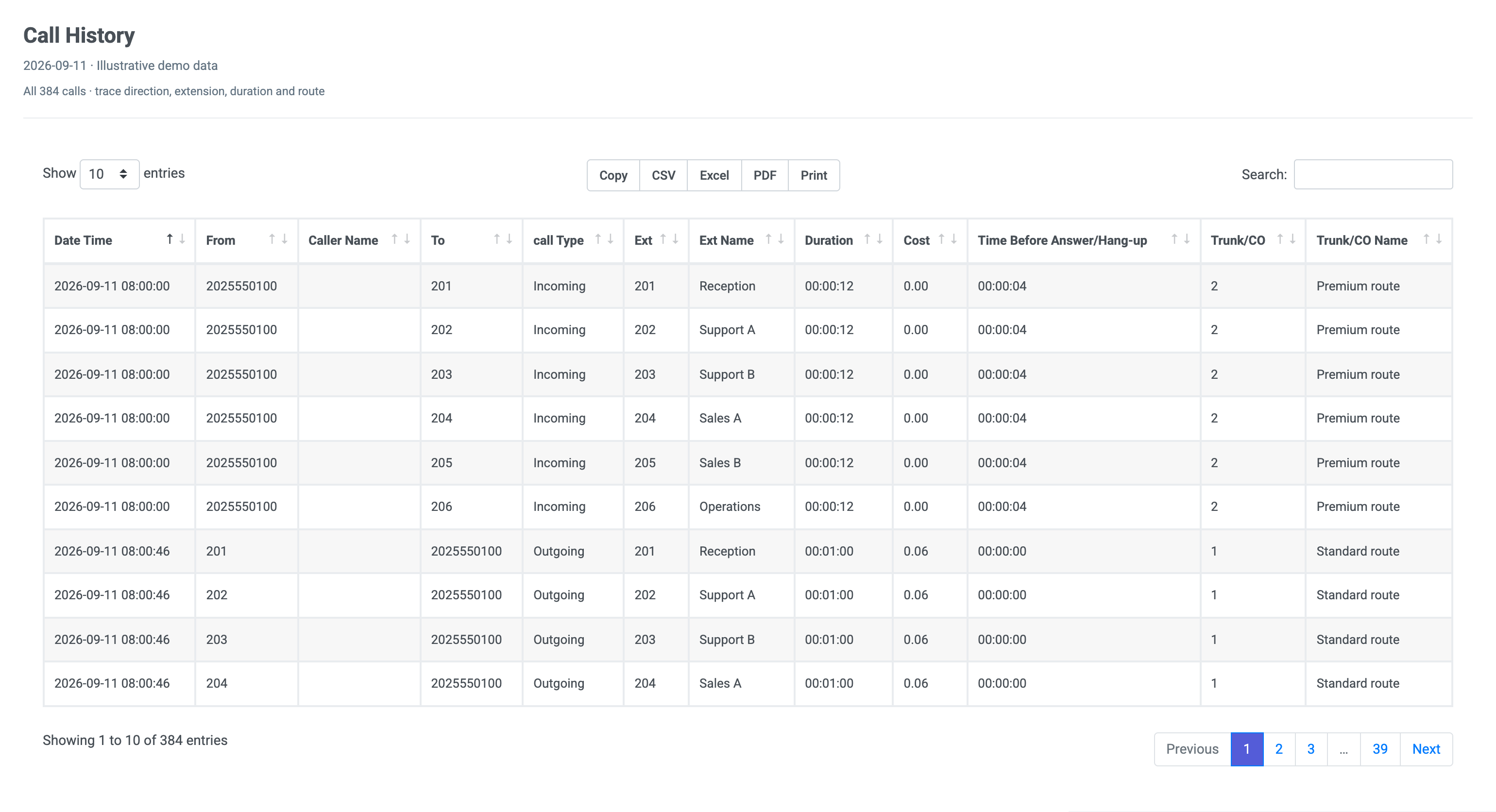
PBXDom is documented as a call-record reporting system, not a phone-system replacement or call-recording platform. The record fields available depend on what the PBX emits.
- Call time, direction, duration, caller or dialed number
- Extension, department, trunk, gateway, or site identifiers when supplied
- Call outcome and cause fields supported by that PBX output
- Calculated report, alert, and call-accounting values
Connection method by platform
These are brand-level summaries from the same source used by the compatibility checker. Final setup still depends on the exact model and release.
CDR output from the 3CX phone system
Always-on Windows collector with access to the selected system’s call records
CDR from Aura Communication Manager or SMDR from IP Office 500/Server Edition
Always-on Windows collector with access to the selected system’s call records
Call records from the selected Cisco Unified Communications family
Always-on Windows collector with access to the selected system’s call records
Call records from FreePBX/Asterisk
Linux collector for FreePBX or Windows collector for Asterisk setups
SMDR or CDR from MiVoice Business (Mitel 3000 series)
Always-on Windows collector with access to the selected system’s call records
Call records over LAN or serial, depending on the selected Panasonic family
Always-on Windows collector with access to the selected system’s call records
Need evidence for an internal review?
Send the control, architecture, retention, or deployment questions your team must answer. We will address the exact environment rather than asking you to infer details from a generic claim.